Everything I’d put on your music stand
Cellopedia Practice Room
Pick a piece from the library, or paste any YouTube link.
- Scores play at practice tempo, with the cursor moving through the music
- The piano comes in where it should
- Loop any passage, in the score or in any YouTube recording
- Slow it down without changing the pitch
- Record yourself and listen back
- Sight-reading exercises, freshly made for your level
- Add your own music: scan a PDF of your cello part (Beta)
Free account, no credit card to sign up. The practice tools stay free forever, no account needed. Premium comes with a 14-day free trial when you want the full library.
How it works
Pick a piece
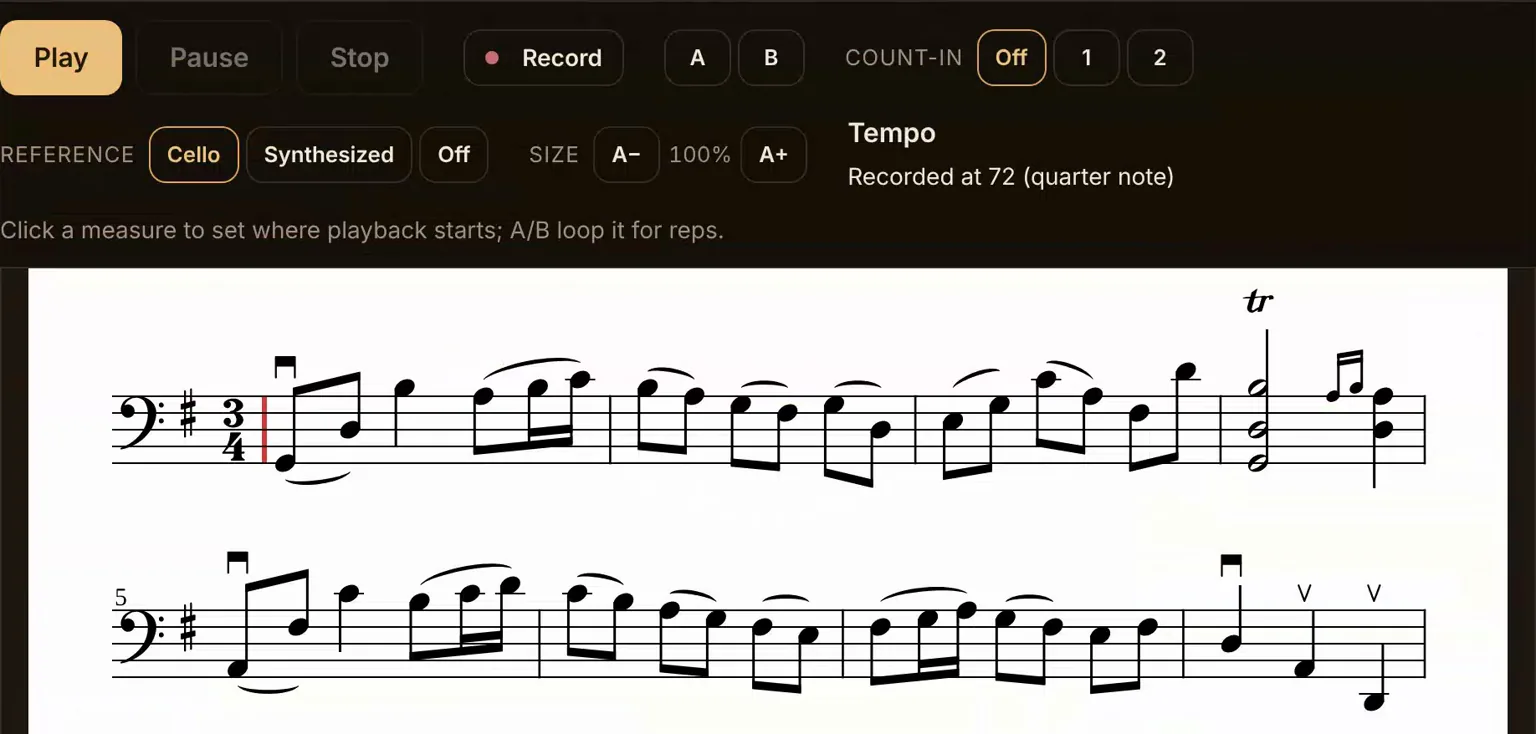
Open the library and choose a scale, an etude, or something with piano. The score opens ready to play along.
Work the passage
Loop the bar that isn't right, slow it down, count yourself in, and play it until it settles.
Listen back
Record a take and compare it with the last one. Your practice is remembered so you can see what you've been working on.
The library, in numbers
64 pieces, 71 recordings, all recorded for Cellopedia. 4 are free to try without subscribing.
Scales and Arpeggios
Dotzauer: 113 Etudes, Book 1
Repertoire
Bach: Cello Suites
Popper: 15 Easy Etudes, Op. 76a
Play with the piano, at your tempo
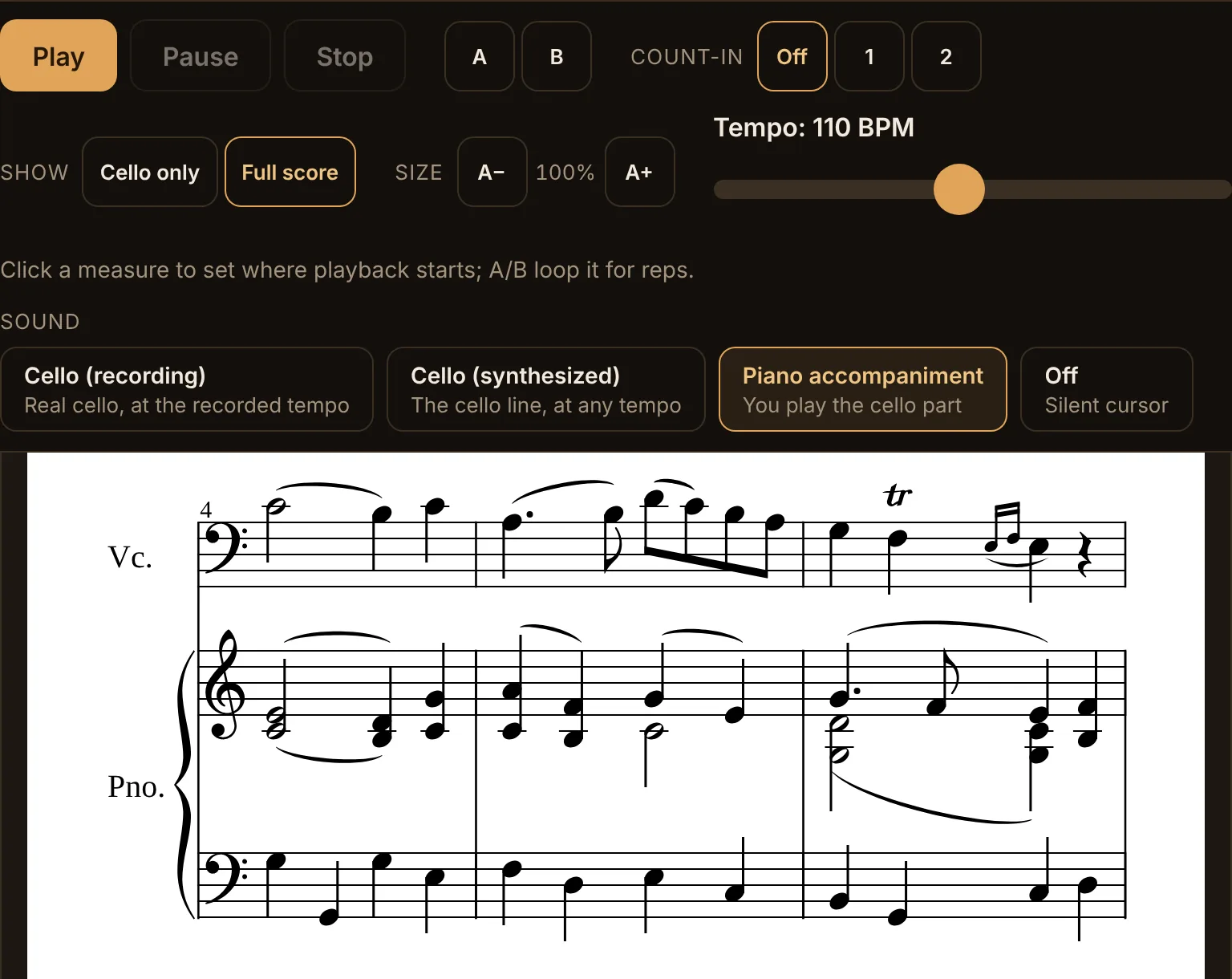
The piano accompaniment plays at whatever tempo you set, so you can work a movement at 60 and hear the piano exactly where it belongs. Speed it up as the passage gets easier. Nobody has to sit at the piano for an hour while you repeat four bars.
Repeat one passage, in the score itself
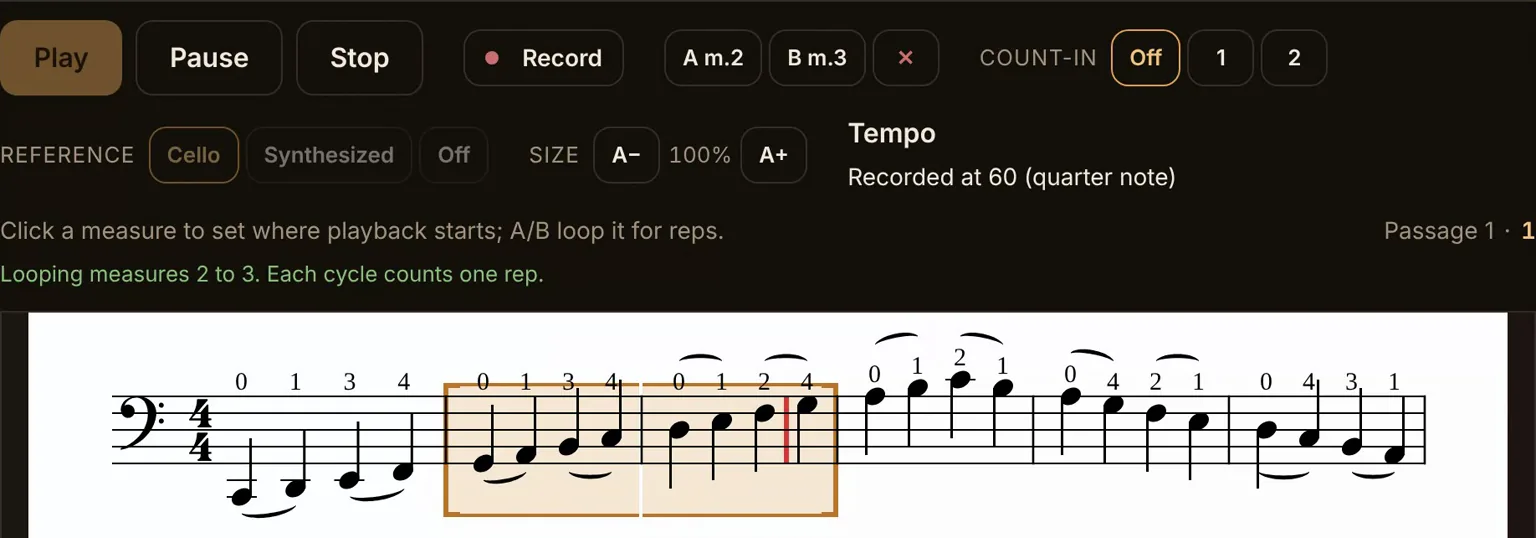
Mark the first and last measures, and those bars repeat with a count of how many times you have played them. No dragging a slider to find the spot again. The cursor stays in the passage, so your eyes stay on the page.
Recordings made for practicing, not for performance
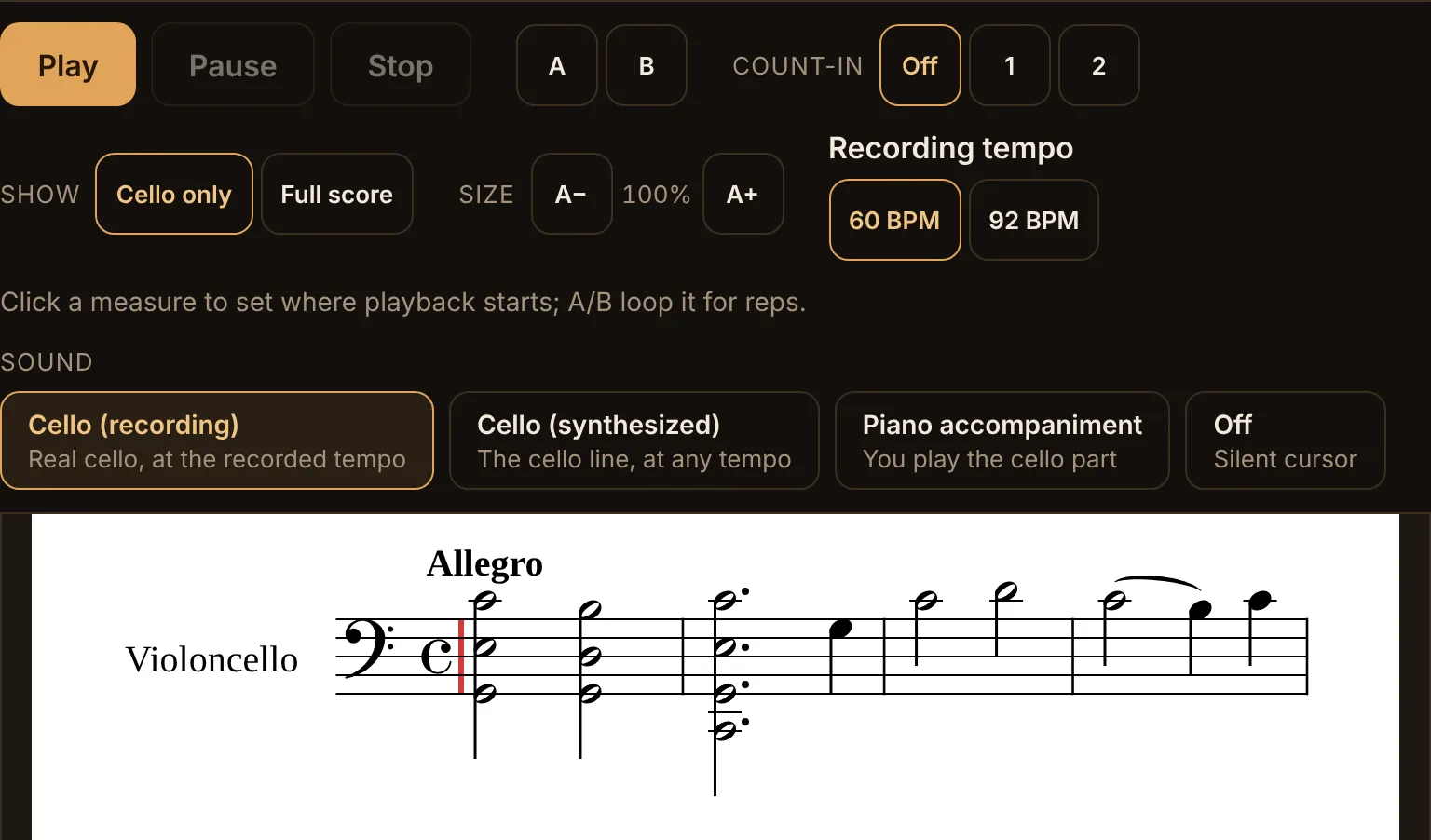
Every recording in the library was made for this purpose: steady tempos, clear articulation, and a second, slower take where a piece calls for one. They are not concert performances with rubato you cannot follow. They are what a teacher plays when a student needs to hear it.
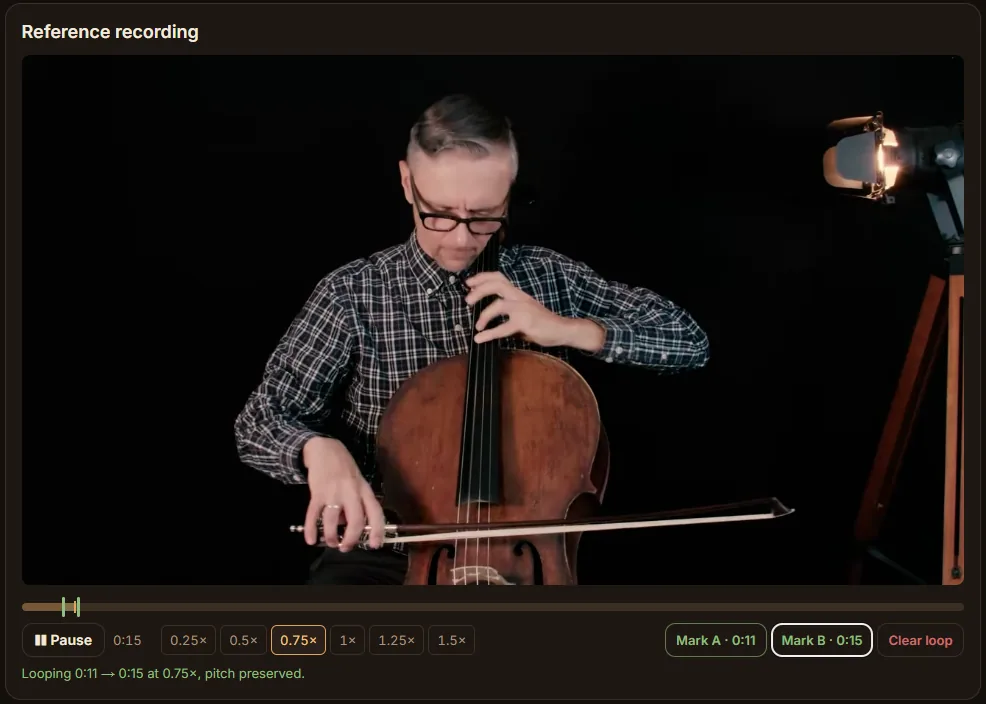
Practice along with any video
Found a performance you love on YouTube? Paste the link. Loop a passage, slow it down without the pitch dropping, and work with the recording you actually want to imitate.
Add your own music
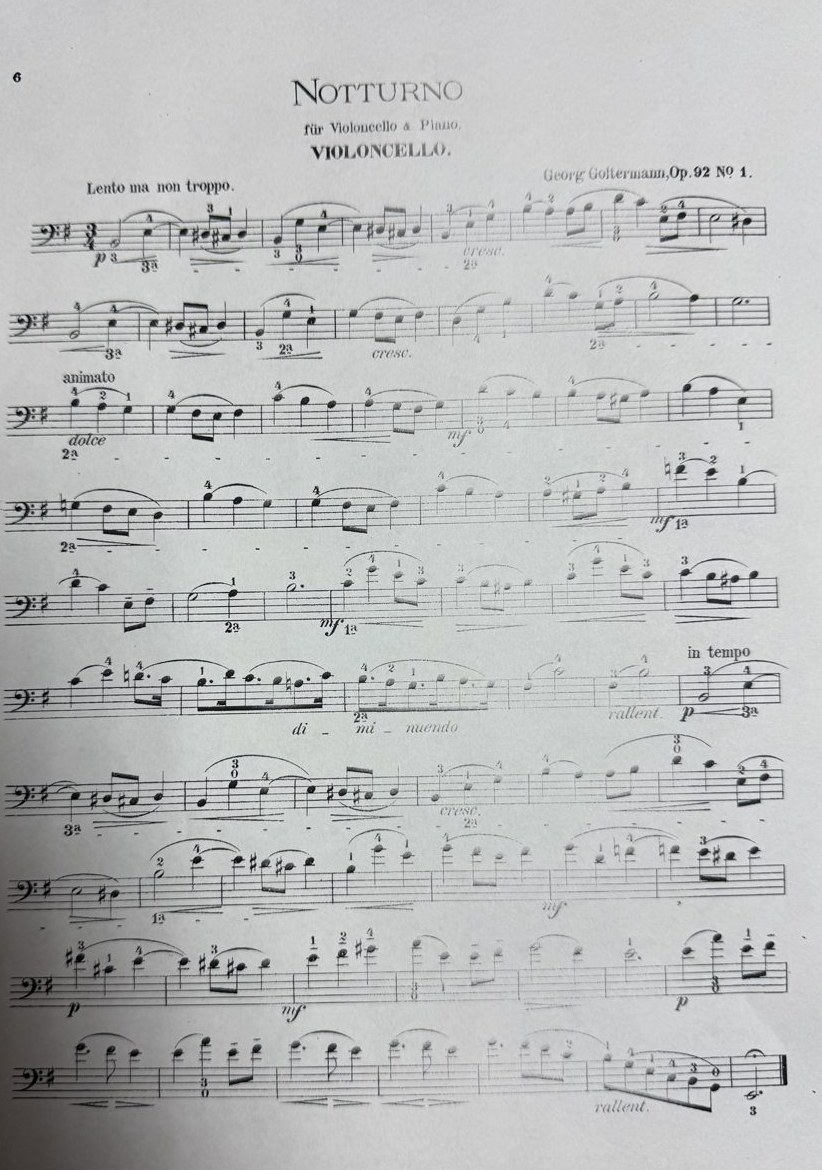
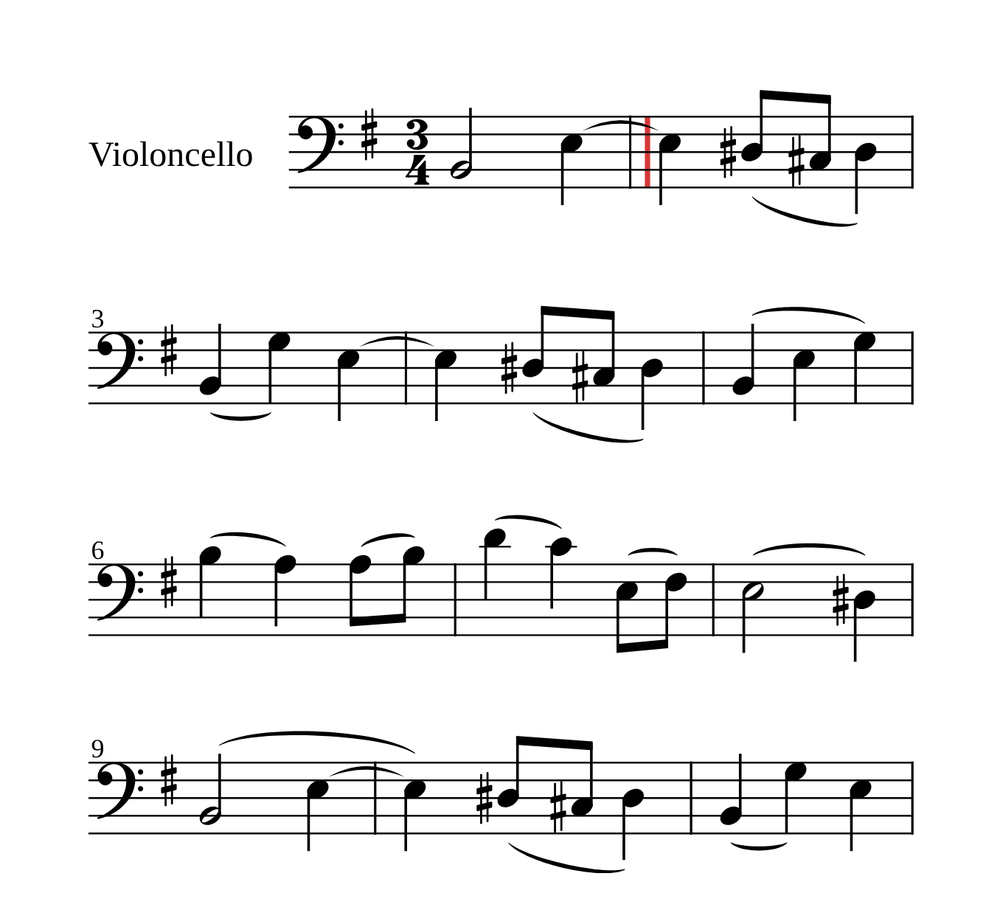
Scan a PDF of your cello part, and the Practice Room turns it into a score you can play along with, loop and slow down. Lines that look wrong are checked by AI.
Part of Premium, in Beta. How to scan a page
Record yourself and listen back
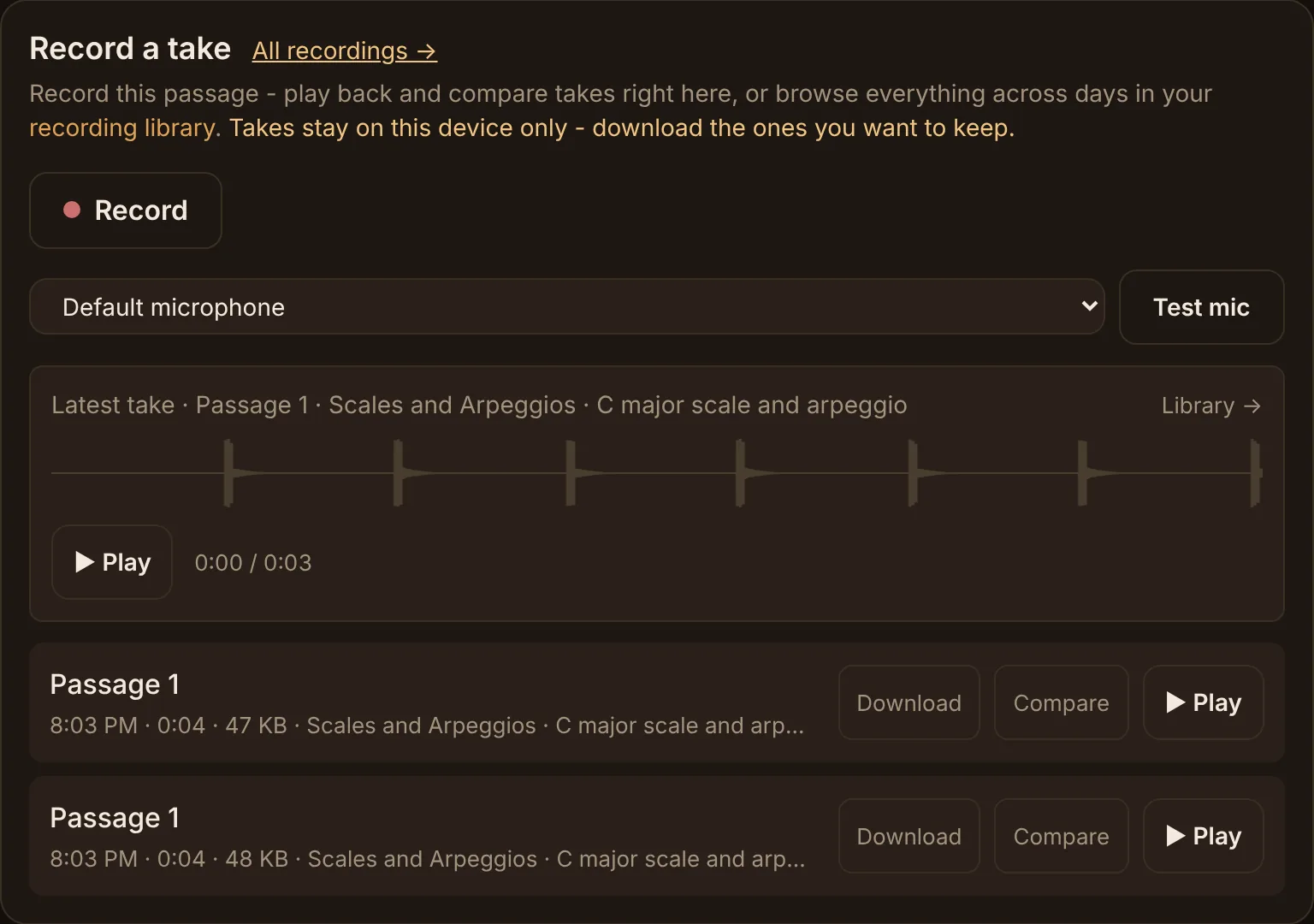
Press Record while you play, then play it back and compare it with your last take. Recordings stay on your device: nothing is uploaded, and you download the ones you want to keep.
Sight-reading, a new exercise every time
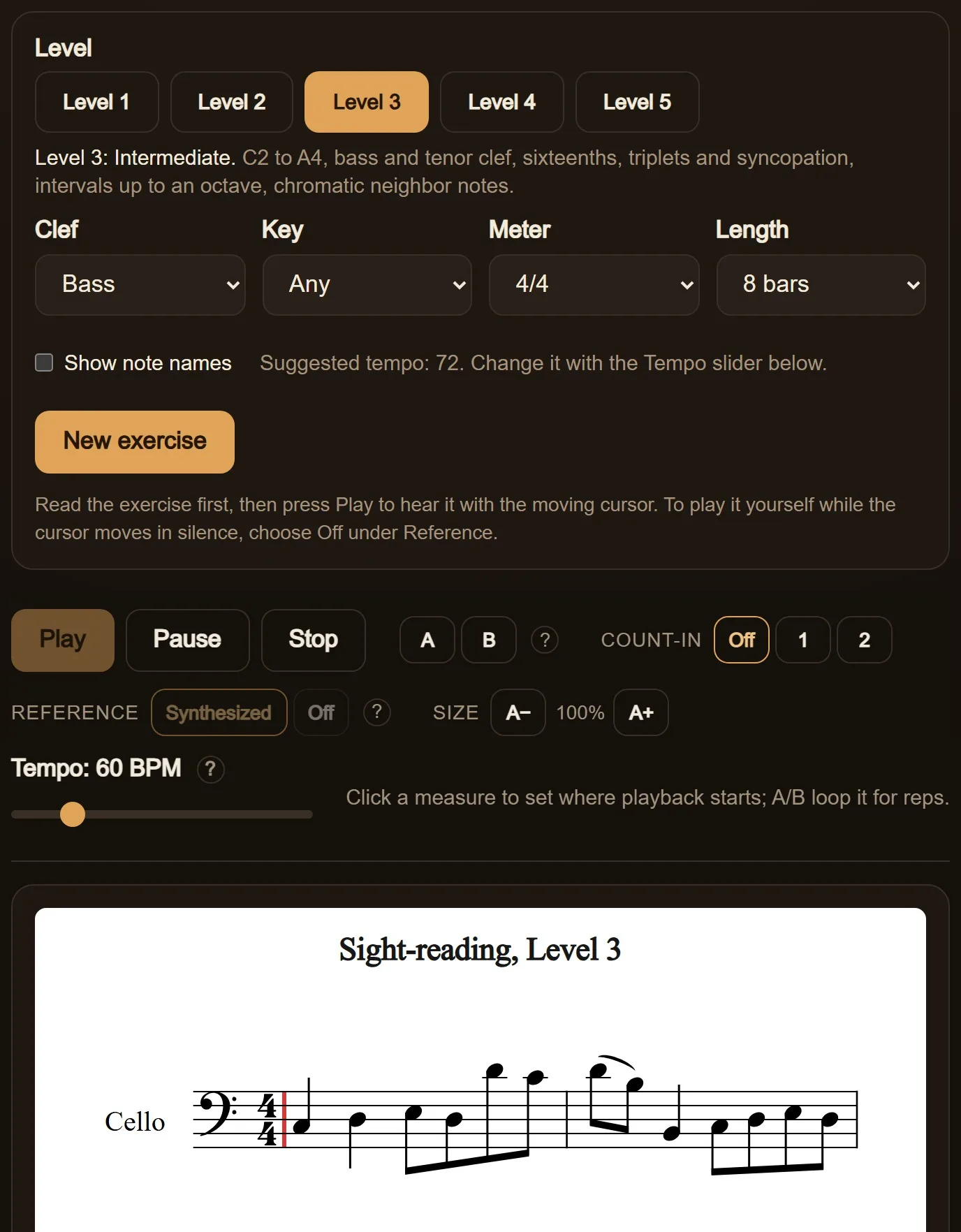
Choose your level, clef, key and meter, and the Practice Room writes a new exercise for you. Read it first, then press Play to hear it with the moving cursor. Five levels, from first position to thumb position. Levels 1 and 2 are free.
The library keeps growing
The newest additions: Repertoire · Arioso, from Cantata BWV 156 (Bach), Nocturne, Op. 92 No. 1 (Goltermann) and Arietta (Frescobaldi).
What is free
The metronome, tuner, drone and slow-downer stay free, with no account. The drone is recorded from Cellopedia’s own cello, a real note for every pitch it offers, not a synthesized tone. 4 pieces are free to play as well. A subscription opens the rest of the library.
Free practice tools
Free forever, no account neededMetronome →
Sample-accurate clicks, subdivisions, tap tempo.
Cello Tuner →
Chromatic, with string presets and a low-C-friendly engine.
Drone →
Warm sustained pitches for real intonation work.
Slow-Downer →
Slow audio or YouTube without changing pitch. Loop the hard bit.
Sight-Reading →
A fresh exercise at your level, played by the score player. Levels 1 and 2 free.
Built on thirty years of cello teaching
The Practice Room is part of Cellopedia, the same pedagogy behind the YouTube lessons and courses trusted by tens of thousands of adult cellists. The method here is simple and stubborn: specificity beats encouragement, and the cure for a plateau is naming the obstacle.
See what Premium adds